AI Image Generation with Nano Banana Pro: Secrets of Good Prompts
How to write effective prompts for beautiful AI images in Nano Banana Pro? Includes examples and common mistakes to avoid.
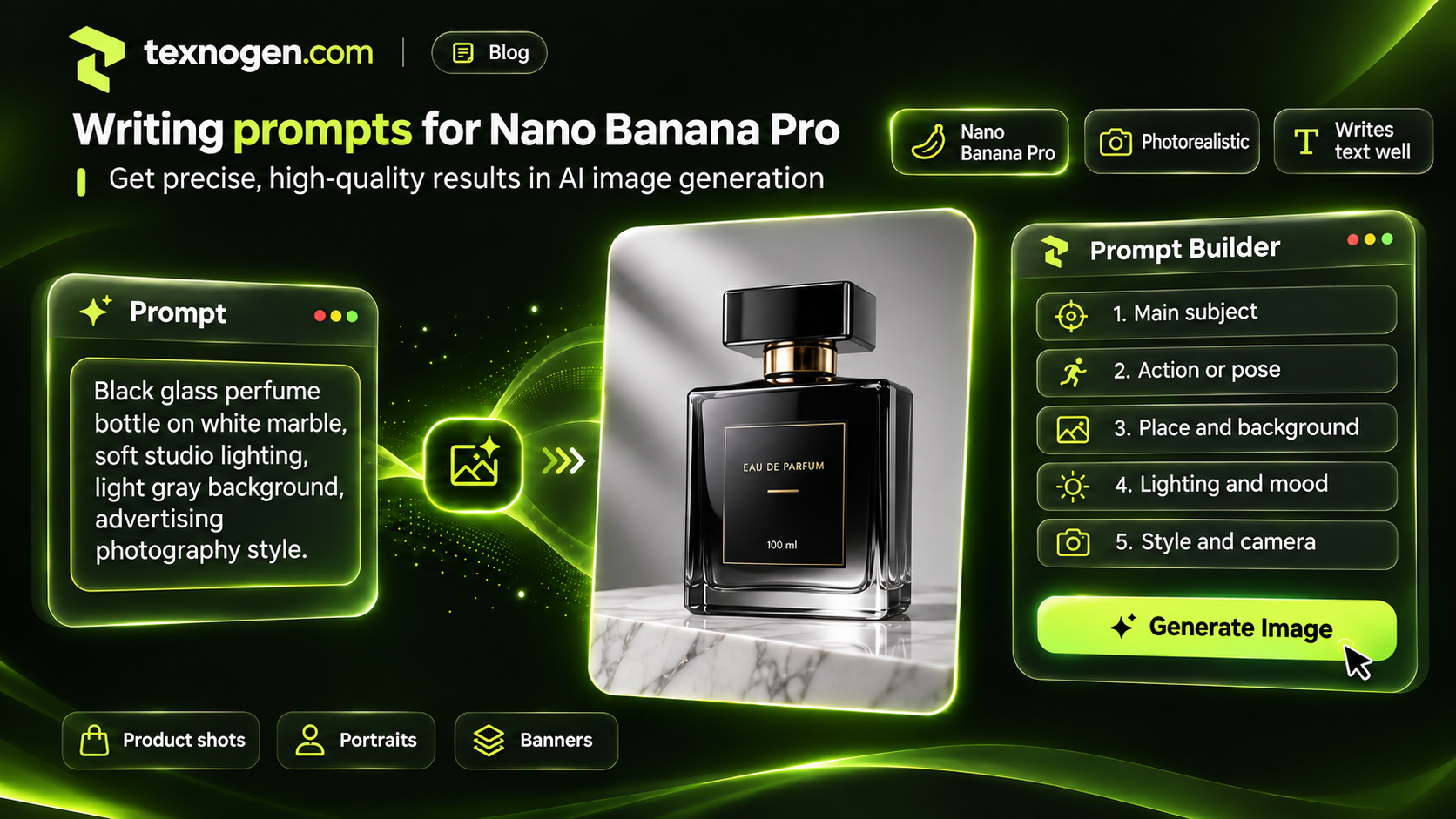
In AI image generators, half of the result depends on the model, and the other half on the prompt. With the same model, one person gets a simple image, while another creates a professional-grade picture. The difference lies in the skill of writing prompts. In this article, we'll explore how to write good prompts using Nano Banana Pro as an example.
What is Nano Banana Pro?
Nano Banana Pro is Google's image generation model. It understands prompts well, writes text within images quite cleanly, and excels at photorealistic images. On Texnogen, you can use it directly in your browser without installing anything.
Structure of a Good Prompt
A good prompt usually consists of five parts:
- Main object: who or what is being depicted
- Action or state: what they are doing
- Location and background: where they are
- Lighting and mood: daytime sun, evening neon, soft studio light
- Style and camera: photograph, 3D, watercolor; close-up, wide-angle
For example, instead of just writing "tea":
Hot tea in a blue-and-white patterned cup on a wooden table in a Tashkent teahouse, with bread and raisins nearby, soft morning sunlight, close-up, photorealistic, shallow depth of field.
The second prompt gives the AI a clear scene, resulting in a more precise outcome.
Ready-Made Prompt Examples
Product Photo
Black glass perfume bottle on white marble, soft studio lighting from the side, light gray background, advertising photography style, high resolution.
Portrait
A smiling young man on a winter city street, warm scarf, blurred lights in the background, evening, 85mm portrait, cinematic colors.
Social Media Banner
Modern minimalist banner on a green background, large "SALE 30%" text in the center, floating gift boxes around it, bright and clean design.
Modify these examples to suit your needs: change the object, color, and location.
Writing Text Within Images
Nano Banana Pro generates text within images better than many other models. To achieve this:
- Write the text in quotation marks: "SALE", "New Collection".
- Keep the text short. 2–4 words will appear much cleaner than a long sentence.
- Specify where the text should be: "at the top", "in the center".
Common Mistakes
- Too short a prompt. "Beautiful girl" – the AI will invent everything else, leading to random results.
- Conflicting words. "Dark and bright", "minimalist and very detailed" – the model won't know what to choose.
- Not specifying the style. Clearly state whether you need a photograph or a 3D illustration.
- Stopping after one attempt. Change the prompt by a word or two and generate several variations.
After the Image is Ready
Don't stop once the image is generated:
- Turn it into a video – ready content for Reels.
- If something unwanted appears, remove it with Inpaint.
- Upscale it for printing or large screens.
Frequently Asked Questions
Can I write prompts in Uzbek?
Often, yes, but for complex scenes, an English prompt might yield more precise results. Try both.
Why do hands or faces in images look strange?
This is common in all AI models. Ask for a closer depiction of the person, simplify the scene, or generate multiple variations.
Can I use generated images for advertising?
Images are saved in your account, and you can use them in your content. Be cautious with images resembling brands, famous people, or others' copyrighted works.
Conclusion
A good prompt is a clear scene description: object, action, location, lighting, and style. Keep these five parts in mind and create your first image with Nano Banana Pro.